
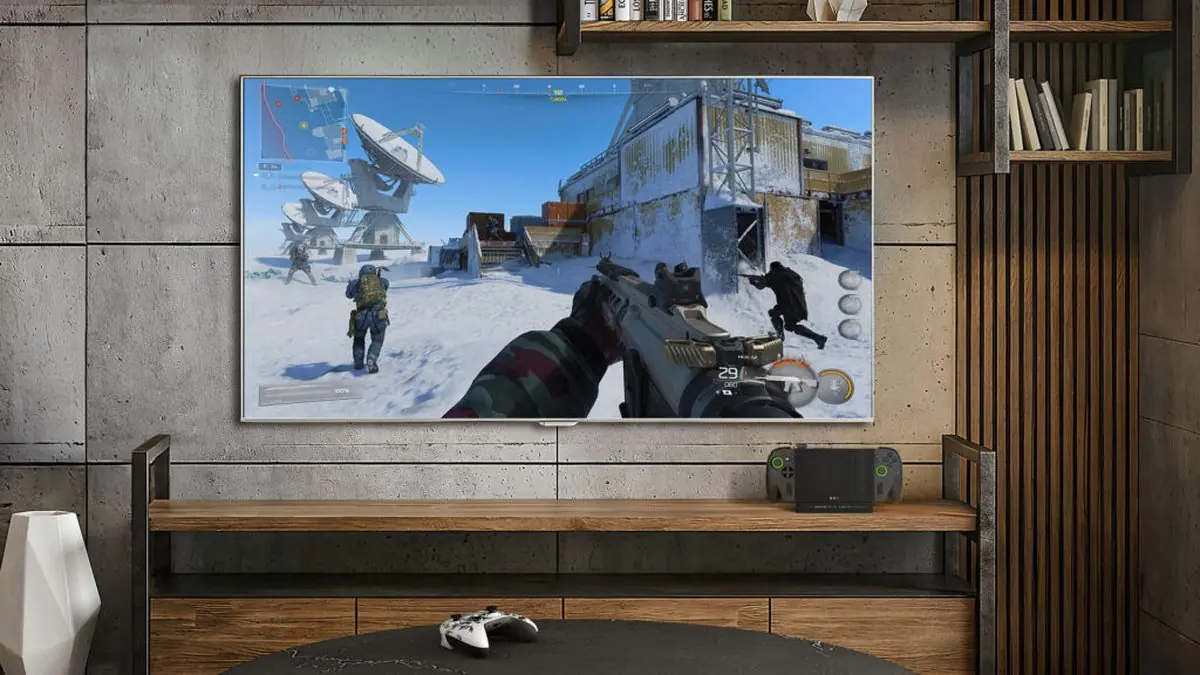
Microsoft just dropped major updates for the ROG Xbox Ally. The target is clear – make docked gaming feel like a real console.
The biggest change hits immediately when you dock. Your game jumps to the TV screen and the handheld display shuts off automatically. No more dual-screen confusion. No more manual switching. Just clean, focused gaming on the big screen.
“Docked play defaults to the TV display. When you dock your ROG Xbox Ally or Xbox Ally X, your gameplay now moves to the TV and the handheld display automatically turns off. This delivers the best possible big-screen experience – optimizing resolution, refresh rate, and HDR output.” – ROG Xbox Ally Updates on Xbox Blog
The smart TV integration is where things get tactical. Samsung, LG, and Vizio TVs now automatically flip into gaming mode when they detect a docked Ally. Auto Low Latency Mode kicks in. Game Mode activates. The TV knows what you’re doing and adapts accordingly.
That’s not accidental. That’s engineered.
Xbox Insiders on the Ally X get another weapon – Auto Super Resolution preview. It’s Microsoft’s answer to upscaling tech that competitors have been pushing. Early access means testing ground for the real deal.
The Display Widget in Game Bar brings controller-based display tweaking. No more reaching for keyboard and mouse to adjust resolution or refresh rate. Everything stays in your hands where it belongs.
This isn’t just about convenience. It’s about eliminating friction between handheld and console gaming. The Ally launched six months ago as a hybrid device – Windows 11 freedom in portable form. But hybrids often mean compromises.
These updates target the compromise problem head-on.
Docking a handheld usually feels clunky. You’re dealing with two different interfaces. Two different optimization profiles. Manual switching between displays. It breaks the flow. Breaks the immersion.
Microsoft and ASUS identified the weak points and reinforced them. Auto-switching eliminates the manual steps. Smart TV integration removes the setup hassle. The Display Widget keeps control where gamers expect it.
The ROG Bulwark Dock adds HDR10 and Variable Refresh Rate support. VRR means smooth frame delivery even when performance fluctuates. Critical for competitive play where every frame matters.
Every millisecond counts when you’re pushing for that clutch play.
This push toward console-like docked experience makes tactical sense. The Steam Deck dominates portable PC gaming. Nintendo owns the handheld space. Microsoft needed differentiation.
The differentiation is docking done right.
Most handhelds treat TV output as an afterthought. Connect a cable, mirror the display, hope for the best. The Ally approach is different. It’s treating docked mode as a primary use case, not a bonus feature.
Six months post-launch, the device has landed in 45 countries. Microsoft optimized hundreds of games for handheld play. Default Game Profiles expanded. Xbox mode got broader functionality.
Now they’re solving the docking equation.
The technical specs matter here. Resolution optimization means the system pushes the TV to its limits while keeping the handheld display efficient. Refresh rate matching prevents stuttering. HDR output delivers proper color and contrast.
These aren’t just numbers on a spec sheet. They translate to real performance gains.
Smart TV integration goes beyond basic compatibility. When the TV automatically enables Gaming Mode, input lag drops measurably. When Auto Low Latency Mode kicks in, response time improves by double-digit milliseconds. These aren’t marketing features – they’re performance improvements you can feel.
Competitive gamers notice milliseconds. Casual players notice smoothness. The updates target both demographics effectively.
Auto Super Resolution preview for Xbox Insiders signals where this platform is heading. Upscaling technology is becoming standard across gaming hardware. NVIDIA has DLSS. AMD has FSR. Microsoft needs its own solution.
The Ally X becomes the testing ground. Insiders get early access to the tech that will eventually roll out across the entire Xbox ecosystem. Smart tactical positioning.
The partnership with ASUS brings hardware expertise that pure software companies can’t match. The ROG branding carries weight with PC gamers. The collaboration feels genuine, not just licensing.
What’s next depends on adoption and feedback loops. If docking becomes a primary use case for Ally owners, expect more optimization in that direction. If the Auto SR preview shows promise, expect broader rollout across Xbox devices.
Microsoft is playing the long game here. The updates position the Ally as a legitimate console alternative when docked, not just a portable PC that happens to connect to TVs.
The execution matters more than the promise. These updates deliver immediately measurable improvements to the docked experience. That’s how you build confidence in a hybrid platform that needs to prove itself.
Six months in, the ROG Xbox Ally is finding its combat role. Not just Windows 11 in portable form. Not just another handheld trying to compete. A genuine dual-purpose gaming device that excels in both operational modes.
That’s the target Microsoft set. These updates suggest they’re hitting center mass.