
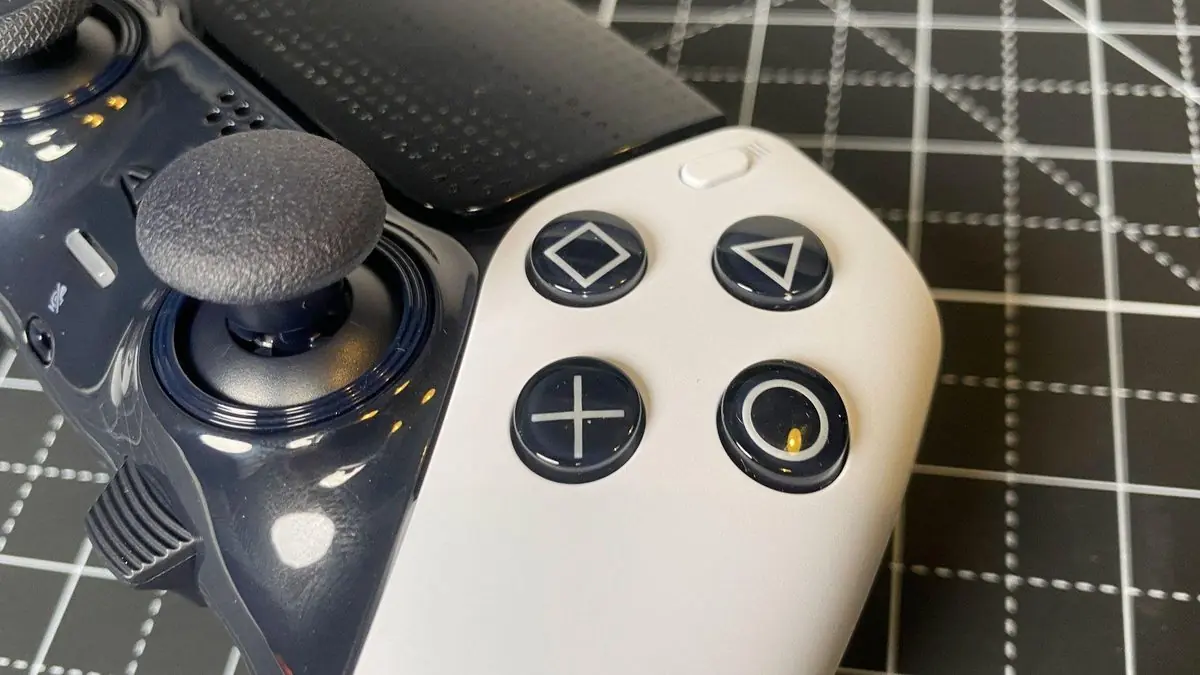
PC gamers just got handed a killer DIY project that could save them serious cash. A homebrew DualSense adapter built around a $20 Raspberry Pi Pico is making waves in the PC gaming community. This thing delivers full wireless connectivity with haptic feedback and adaptive triggers – features that usually cost way more through official channels.
The project details hit r/pcgaming and immediately caught attention from hardware enthusiasts. Why? Because it solves a real problem that Sony hasn’t bothered addressing properly.
“Homebrew PlayStation DualSense controller adapter for PC can be built for just $20 with a Raspberry Pi Pico” – u/CyraxxFavoriteStylus on r/pcgaming
The Raspberry Pi Pico sits at the heart of this build. This microcontroller normally costs around $4-6, leaving plenty of budget for the supporting components. The Pico’s dual-core ARM Cortex-M0+ processor runs at 133MHz – more than enough horsepower to handle the DualSense’s communication protocols without breaking a sweat.
What makes this adapter special isn’t just the price tag. It’s the feature set. Full haptic feedback works exactly like it should. Those subtle vibrations that make shooting feel different from walking? They’re all there. The adaptive triggers that add resistance when drawing a bow or firing a weapon? Working perfectly.
Sony’s official PC support for DualSense features has been spotty at best. Most games either don’t recognize the controller properly or strip out the advanced haptics entirely. This homebrew solution bypasses those compatibility headaches by presenting itself to the PC as a native input device.
The technical implementation is actually pretty clever. The Pico acts as a translator between the DualSense’s Bluetooth protocols and standard PC input methods. It maintains the low-latency wireless connection while preserving all the controller’s advanced features. Input lag stays minimal – crucial for competitive gaming where every millisecond counts.
Building one of these adapters requires basic soldering skills and about an hour of assembly time. The component list is straightforward: the Pico board, a few resistors, some wire, and a small PCB or breadboard for mounting. Total cost lands right around that $20 mark, assuming you already have a soldering iron.
Compare that to Sony’s official options. The PlayStation Portal costs $200 but only works with remote play. Third-party wireless adapters for DualSense controllers often run $40-60 and frequently lose the haptic features that make the controller special in the first place.
This DIY route delivers everything you want for a fraction of the cost. It’s the kind of project that makes perfect sense for PC enthusiasts who love tinkering with their setups.
The timing couldn’t be better either. More PC games are starting to support DualSense features properly. Recent titles like Spider-Man Remastered and Returnal show how good haptic feedback can feel on PC when developers actually implement it correctly.
Having a reliable, cheap way to get wireless DualSense connectivity opens doors for more gamers to experience these features. When the barrier to entry drops from $60 to $20, suddenly a lot more people can justify the upgrade.
The homebrew gaming hardware scene has been on fire lately. From Steam Deck mods to custom mechanical keyboards, the community keeps finding ways to build better solutions than what big companies offer. This DualSense adapter fits right into that trend.
What’s particularly impressive is how clean the implementation looks. This isn’t some hacky workaround with dongles and adapters chained together. It’s a purpose-built solution that does exactly what it needs to do without unnecessary complexity.
The project files and build instructions are freely available, so anyone with basic electronics skills can tackle this build. That open-source approach means the design will probably get refined and improved over time as more people try it.
For PC gamers who’ve been frustrated with DualSense compatibility issues, this $20 solution might be exactly what they’ve been waiting for. It delivers the goods without breaking the bank, and it actually works better than some commercial alternatives.
Expect to see more builds like this popping up as word spreads. The combination of low cost, high functionality, and DIY appeal hits all the right notes for the PC gaming community. Sometimes the best solutions come from passionate enthusiasts rather than corporate boardrooms.